Benedict PDF
Free, open-source PDF processing for Microsoft Power Platform. Watermark, password-protect, and restrict permissions on PDF documents — running as your own Azure Function, inside your own Azure subscription.
PDF processing that stays on your own infrastructure.
Benedict PDF is a free, open-source Azure Function for Microsoft Power Platform. It watermarks, password-protects, and restricts permissions on PDF documents, called from Power Automate or Power Apps — deployed inside your own Azure subscription, in two versions built for different needs.
Upload → Process → Secure → Deliver.
Your document moves through Power Automate or Power Apps to an Azure Function you control, and back out again — watermarked, password-protected, or both.
Upload
Your PDF reaches the function as a file upload from Power Automate or Power Apps.
Process
A watermark, password, or permission restrictions are applied, exactly as configured.
Secure
AES-256 encryption and permission restrictions are enforced before the file leaves the function.
Deliver
The secured document returns to your flow, ready to send, store, or route for signature.

Everything needed to secure a document before it goes out.
Watermark, password-protect, or both.
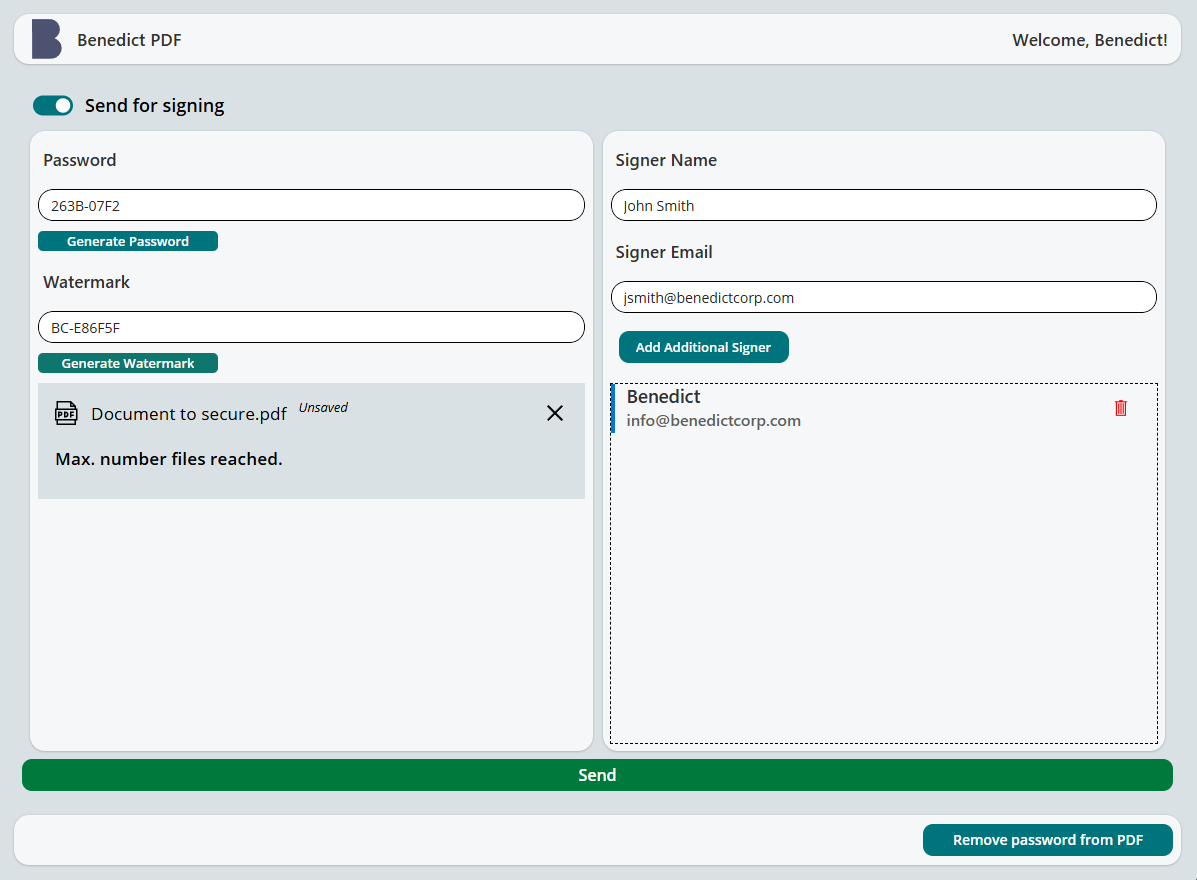
Add a text watermark with full control over position, color, size, and padding, and protect the file with AES-256 password encryption — from a simple Power Apps interface or directly through Power Automate.
Restrict exactly what recipients can do.
Independently allow or block printing, high-resolution printing, copying, editing, annotations, form filling, accessibility extraction, and page assembly — enforced by an owner password, separate from the password required to open the document.
Send documents out for signature.
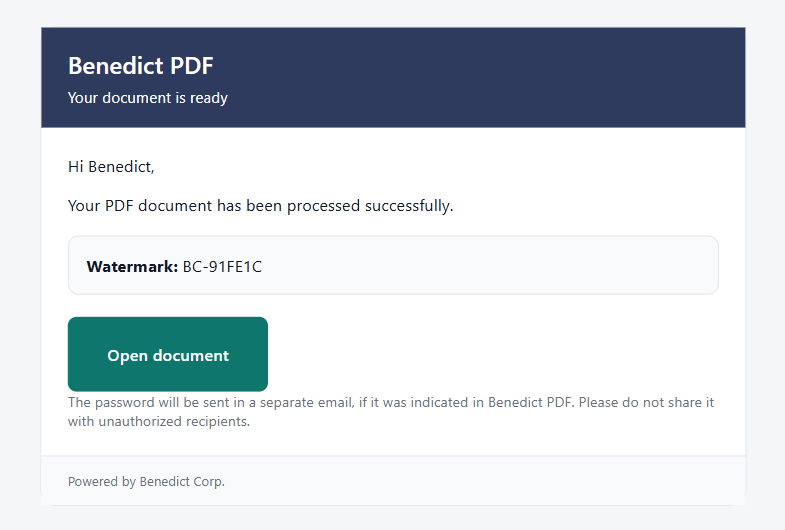
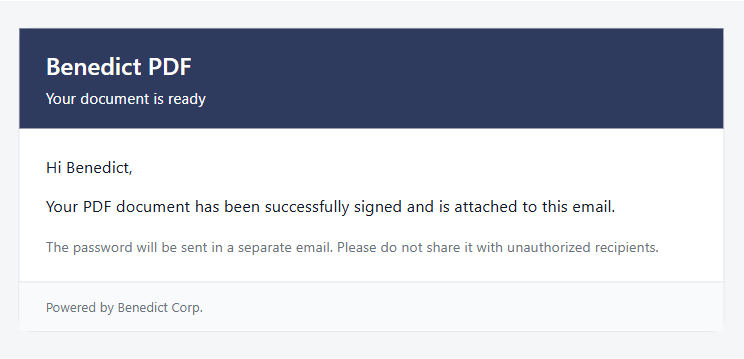
Route a processed document to DocuSign for e-signature directly from the same flow, and get the signed copy back automatically — available on both v1 and v2.
Two ways to run Benedict PDF.
If you want the fastest path to something working, or don't need identity-based access control, v1 is the better starting point. Move to v2 when you need real control over who can call the function, or need to restrict what recipients can do with a document beyond just requiring a password to open it. DocuSign e-signature integration works with either version.
BenedictPDF v1
- Shared function key authentication
- Working sample Power App included
- Copy-paste deployment — running in minutes
- Best for learning, personal use, and small-scale deployments
BenedictPDF v2
- Entra ID authentication, per-user access control
- Granular permission restrictions — printing, copying, editing, and more — independent of the open password
- Enforced request size, page-count, and timeout limits
- No sample app — build your own connector via the Implementation Guide
Most PDF tools rely on external services.
Benedict PDF keeps documents inside your own environment, reduces dependency on third-party tools, and lets you build automation around it instead of working around it.
- Documents processed inside your own Azure subscription
- AES-256 password protection
- Granular, independently restrictable permissions
- Free and open source — MIT License with Commons Clause
- No per-user licenses or required subscriptions
- Two versions: quick-start or production-grade access control
You own the code, the infrastructure, and the data.
Benedict PDF is released under the MIT License with Commons Clause — free to use, modify, and integrate into your own workflows. The one restriction: you can't resell Benedict PDF itself, or a minimally modified version of it, as a standalone product or service.
Browse the code on GitHubBenedict PDF runs entirely inside your own Azure subscription and Microsoft 365 tenant.
By design, Benedict PDF processes documents entirely within your own Azure subscription and Microsoft 365 tenant — Benedict Corp. does not host or access your data as part of normal operation.
Read licensing details in the FAQBenedict PDF is free, and will stay free.
If it saves you time or money, a voluntary contribution helps fund further development. Secure payments provided by Stripe.
Support Benedict PDFMore tools built the same way.
Benedict App
Track time, manage clients, organize projects, generate invoices, and keep documents — all in one simple workspace.
Coming soonBenedict Finance
Built for financial statement approvals, governance, and accountability. Track responsibilities, deadlines, and progress inside one place.
Learn more →Benedict Invoice
Built for professionals who need fast and simple invoicing, without leaving their Microsoft 365 environment.
Coming soonWant a custom Power Platform solution built around Benedict PDF?
Contact us — we help teams extend, customize, or integrate Benedict PDF into their existing workflows.
Contact us